Tinius Olsen

Horizon Software

Slide1
Slide2
Slide3
Slide4
Slide5
previous arrow
next arrow
Slide1
Slide2
Slide3
Slide4
Slide5
previous arrow
next arrow
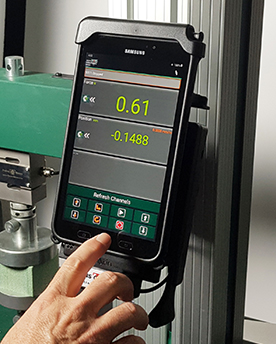
This computer-assisted data acquisition and machine control system can be supplied with most Tinius Olsen testing equipment. The Horizon software package allows data to be collected, analyzed, graphed (where appropriate), and stored. If the testing machine allows, it can also provide control over testing operations.


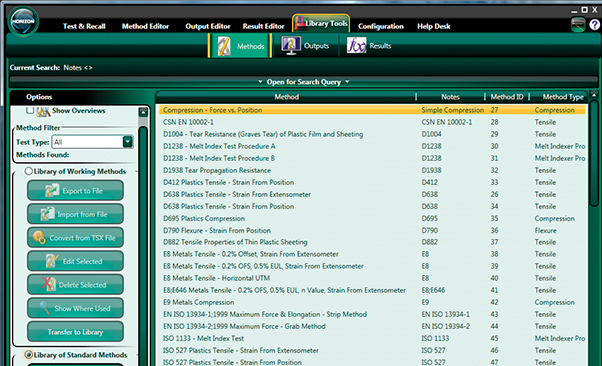
Horizon has a comprehensive selection of pre-defined testing programs, which includes powerful analysis of testing data, complex control, and sophisticated reporting. These programs can be modified and further enhanced to fit a customer’s particular requirements. The testing data collected by these programs may be exported to an outside source then later transferred to other data analysis systems. The Horizon databases may also be configured to be shared across several computers on a company’s network, thereby allowing the testing programs and testing data to be utilized by multiple systems.


Using Horizon will make easy work of materials testing, whether it’s designed for the demanding rigors of R&D or the charting and analysis functions of QC testing.
 

Features & Benefits

  • Advanced machine segment control
  • Customizable report layout
  • Data archiving and backup
  • Data exporting (results/limits/statistics/points)
  • Data importing (result entries/limits)
  • Data stored with SQL Server Express
  • Formula beneration
  • Library of pre-defined testing programs
  • Method/output editor
  • Multiple graphs/reports for output
  • Multiple machines controlled by one Horizon
  • Multiple users
  • Networking databases
  • Report consolidation
  • RS232 device communication
  • Security lockout capability
  • Touchscreen capability
  • Video extensometer capability
  •  

    Test & Recall

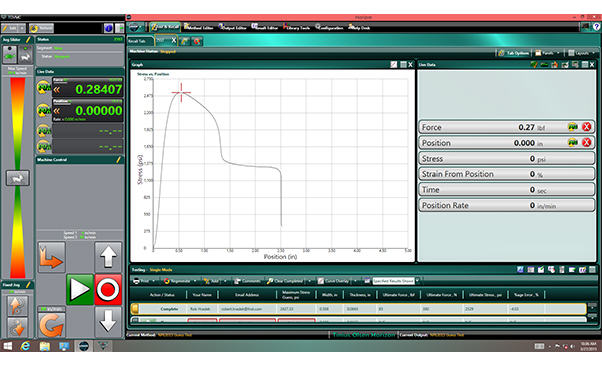
    The testing area allows for the viewing of live data from the machine while the test is being performed. Multiple tabs showcase the recalling of previous testing data as well as each testing machine connected to the software. Once a testing tab is created, it never has to be destroyed. When a new testing program needs to be run, simply change the tab options and load a new program. Each testing tab can be configured to display custom results, multiple graphs, multiple plots on a single graph, and live data (including custom formulas). Each tab may be customized to suite a user’s preferences.


    Custom Results

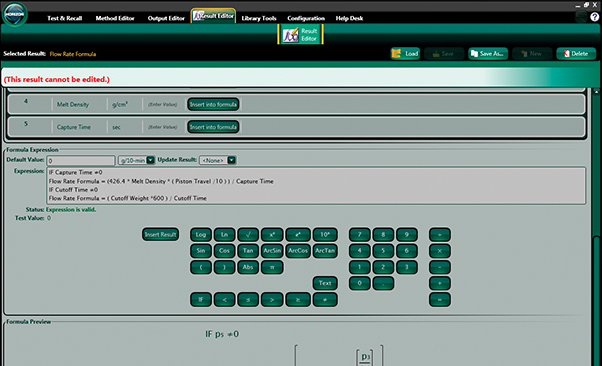
    Methods transferred from the Library contain a number of results that have been standardized. In the Result Editor, however, custom results can be created. Such results might be defined as entry type, a single point along a curve, a calculation between two points along a curve, a live source, or even a calculated formula. Depending upon how the result is created, it can be added to a testing panel to be viewed during the test or added to a report.


    Help Desk

    Access to tutorials that guide a user in various software activities. Displays details of the software key including items purchased. System information displays valuable data regarding the software as well as the computer on which it is installed. This assists Tinius Olsen support staff when there are questions regarding system functionality. This page also offers quick access to the Horizon QS program, which allows Tinius Olsen support staff to take control of the computer when assistance is requested.


    Webcam Functionality

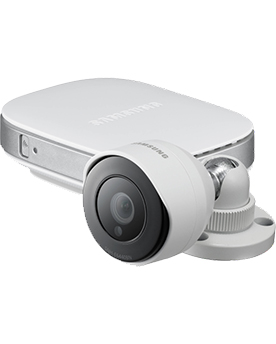
    In response to user requests and recommendations, a new feature has been added to Horizon that provides the ability to video record a tension, peel, compression, shear or bend test on Tinius Olsen ST, SL or L series materials testing machines, store the video as part of the test output package and replay it synchronized with the 2D graph output. To support analysis, the operator can move a cursor over the test graph and see the video change frame by frame, precisely corresponding with the cursor position on the graph.

    Similar Accessories

    Self-Centering Platen

    Ball Seating Platen

    121-013 Elastic Filament Grip

    S630 Fixed Span Flex Test

    Short Beam 3-point Flexural Fixture
    90° Peel Fixture
    CTM Stand

    Touchscreen-Based EDI

    180° Peel Fixture
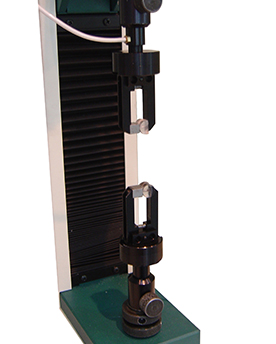
    Climbing Drum Peel Unit

    Coefficient of Friction Test

    Flexural Frame

    Lateral Extensometer

    Longitudinal Compressometer

    Platen Handling

    HMC2.0

    Proterm

    HT33 Single Bollard Grip

    HT34 Soft Wire Grip

    HT29 Split Bollard Grip

    HT43 Seat Belt Grip

    HT32 Double Bollard Grip

    HT19 Split Collet

    HT23 Tension Hooks

    HT24 Dumbbell Grips

    HT25 Briquette Grip

    HT31 Dumbbell Grips

    HT20 Electrical Cable Crimp

    121-003 Vise Grips

    121-014 Vise Grips

    HT54 Miniature Vise Grips

    HT51 Side Loading Vise Grips

    HT42 Pneumatic Grips

    HT45 Pneumatic Grips

    HT44 Pneumatic Grips

    HT57 Horn Type Bollard Grip

    HT58 Lightweight Pneumatic Grips
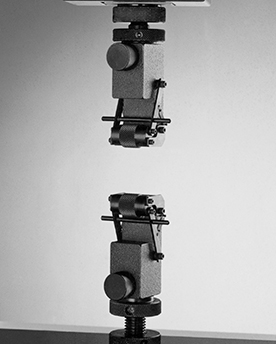
    Air Distribution Controller

    131-007 Bollard Grips

    137-004 Bollard Grips

    187-005 Knurled Roller Grips

    187-006 Knurled Roller Grips

    HT38 Double Roller

    HT53 Miniature Knurled Roller Grips
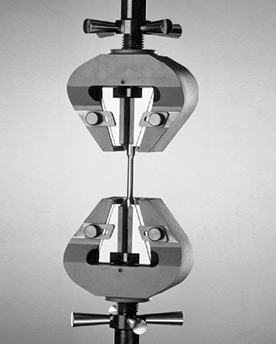
    157-004 Scissor Grips

    157-005 Scissor Grips

    HW10 Wedge Grips

    HW14 Wedge Grips

    HB15 Bollard Grips

    HW20 Wedge Grips

    HW21 Wedge Grips

    120kN Hydraulic Tensile Grip

    300kN Hydraulic Tensile Grip

    Grip 67-N-20

    Grip 67-N-22

    Grip 67-N-23

    Grip 67-N-24 K-Grip

    Grip 67-N-83 R-Grip

    Grip 67-N-25 KR-Grip

    Grip 67-N-38

    Grip 67-N-39

    Grip 67-N-42

    Grip 67-N-91

    Grip 67-N-93

    Grip 67-N-27

    270-015 Compression Platen

    270-016 Compression Platen

    270-017 Compression Platen

    270-018 Compression Platen

    270-019 Compression Platen

    270-020 Compression Platen

    270-014 Compression Platen

    Compression Anti-Buckling Fixture

    Shear Loading Compression Fixture
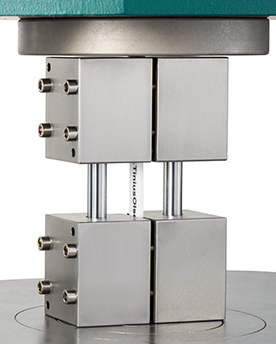
    Combined Loading Compression Fixture
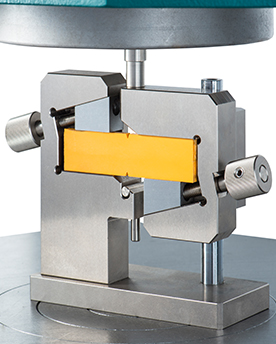
    V-notched Shear Compression Fixture
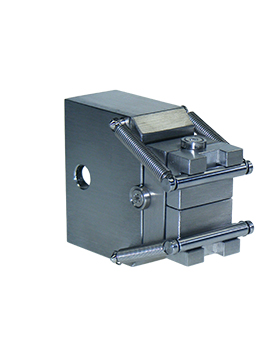
    336-001 4-Point Flex Test

    336-002 3-Point Flex Test

    HF74 3-Point Wide Variable Flexural

    Compression Cage for Environmental Chamber
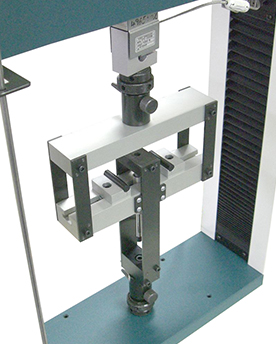
    Flex cage for Environmental Chamber
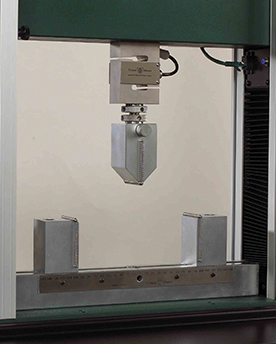
    330-012 3-Point Flex Test

    330-012 3-Point Flex Test with LVDT

    V-notched Rail Shear Test

    Double Shear Bearing Strength Test - Procedure A
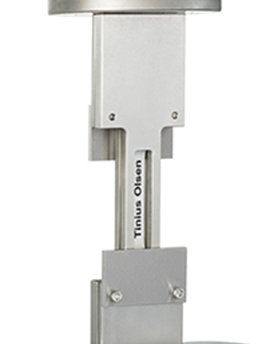
    Single Shear Open Hole Bearing Test - Procedure B
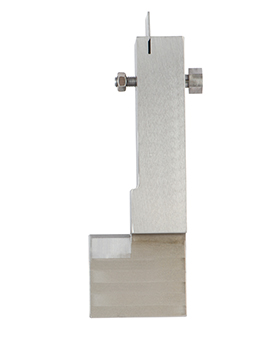
    Single Shear Bearing Strength Test - Procedure C
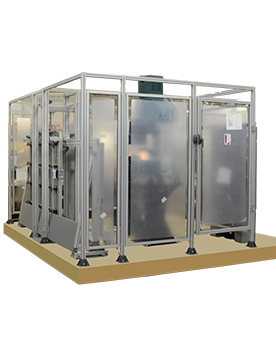
    Automated System Cell

    Automated System Monitoring

    Specimen Identification Station

    Specimen Measurement Station

    Specimen Storage Station